
On this page
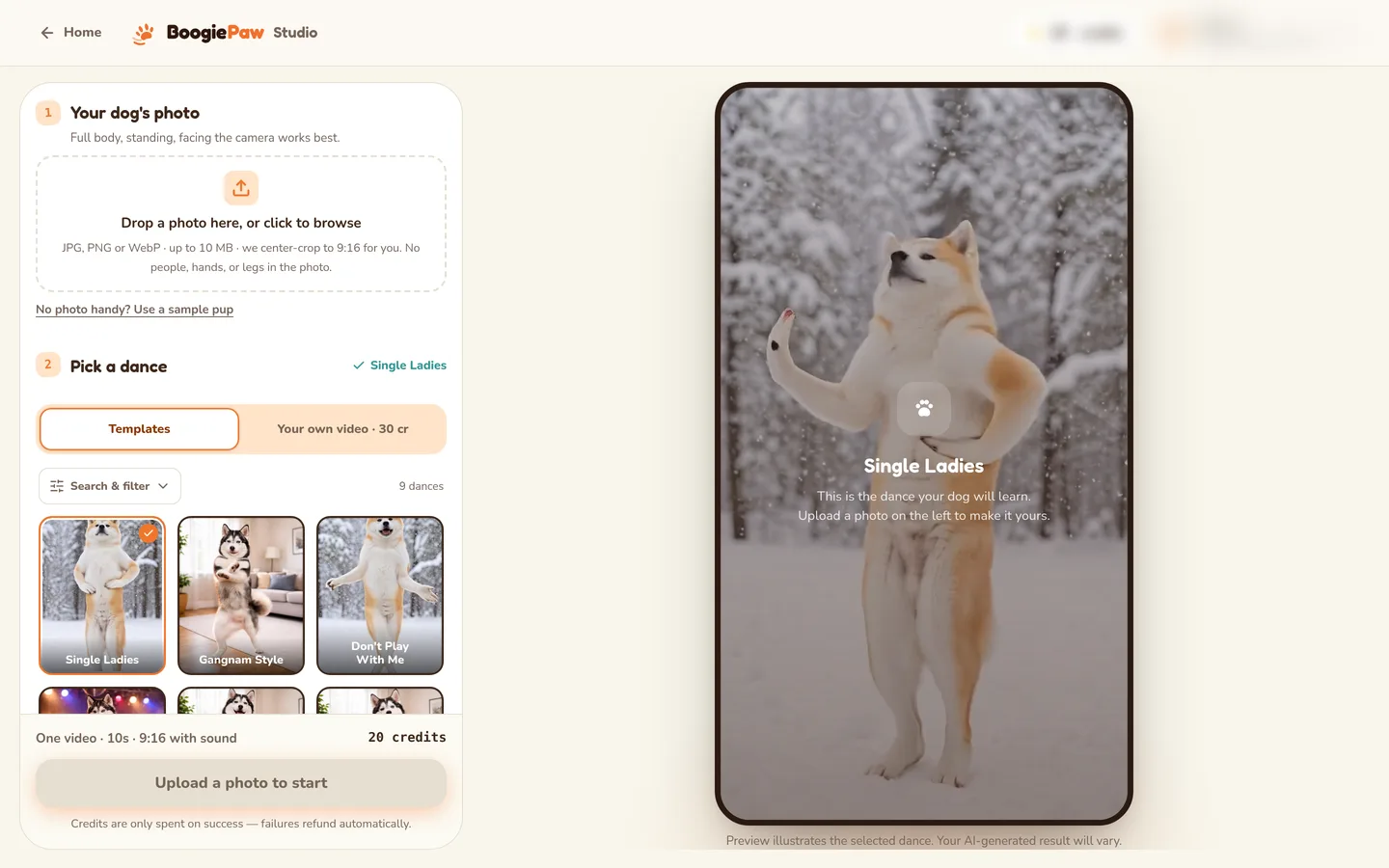
If you have been wondering "how can I create a dancing video of my dog?", the short answer is that you no longer need your dog to dance, or even to stand still for a video. AI tools can now take a single still photo and animate it into a short dance clip. This guide walks through the whole process using BoogiePaw as the example, and covers the parts most guides skip: which photos work, why some results come out wrong, and how to post the finished clip.
What an AI dog dancing video actually is
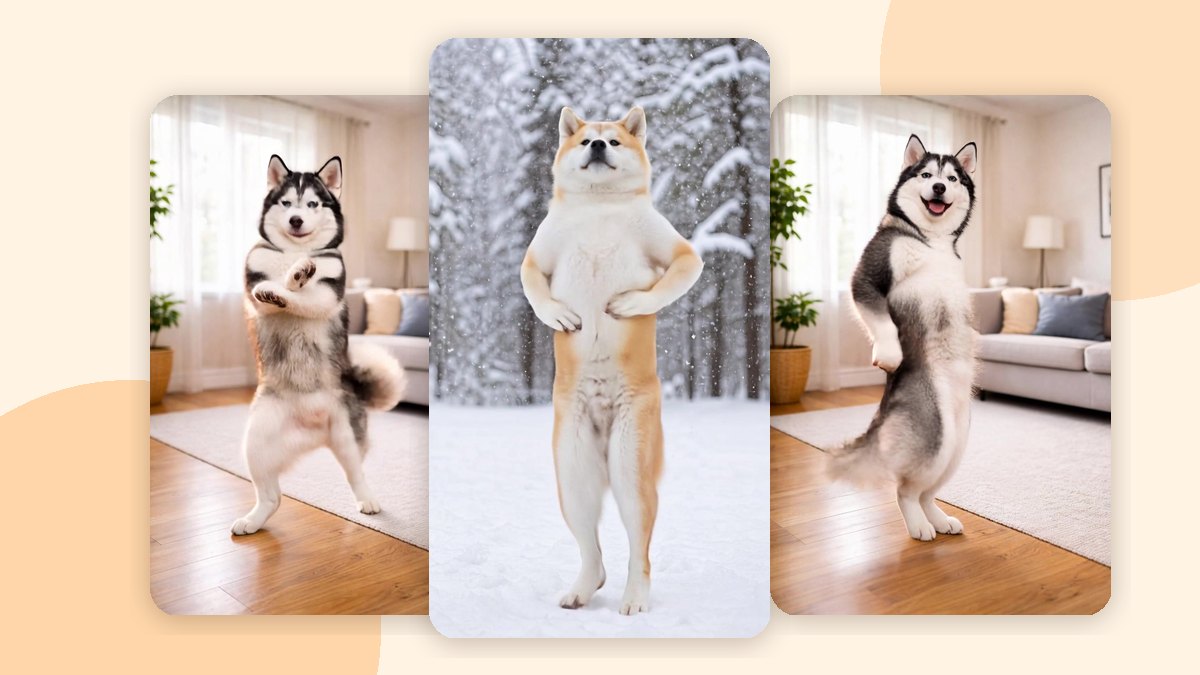
An AI dog dancing video is a short clip generated from a photo. You upload one picture of your dog and choose a dance template. The AI then uses the photo to guide your dog's appearance and the template to guide the movement and rhythm. On BoogiePaw, a template video is 10 seconds long, in vertical 9:16 format, which is the shape TikTok, Instagram Reels and YouTube Shorts use.
Two honest caveats before you start. First, your photo guides the look, but the AI may change facial details, markings or proportions, so the dog on screen will not always be a perfect copy. Second, generated motion can include visual artifacts or imperfect timing. Knowing this up front makes it much easier to pick a good photo and a suitable dance.
Step 1: Choose the right photo
The photo matters more than anything else you control. Here is what works and what struggles, based on BoogiePaw's own photo guidance.
| Photos that dance well | Photos that struggle |
|---|---|
| Standing or sitting upright | Lying down, mid-jump or heavily cropped |
| Front-facing or three-quarter angle | Harsh shadows across the body |
| Full body in frame, front legs clearly visible | Multiple dogs or people in the frame |
| Natural daylight or soft indoor light | Costumes or objects covering the body |
| One dog per photo |
A few practical tips:
- Get down to your dog's level. Photos taken from above make the legs look short and the head oversized, which gives the AI less to animate.
- Crop out other pets and people. If your favorite photo has two dogs in it, crop to one before uploading. One photo in means one dancer out.
- Use soft, even light. A window on a cloudy day is ideal. Strong sunlight leaves dark shadows that can be misread as part of the body.
- Keep the body visible. Sweaters, costumes, blankets and toys covering the legs make it harder to place the moves.
- Puppies are fine if the photo still shows a clear upright body and visible front legs.
BoogiePaw checks file format, dimensions and size before generating, but those checks only confirm the file is usable. They do not guarantee a good result. The guidance above is what improves your odds.
Step 2: Pick a dance that suits your dog
Each template has its own tempo and character, and some fit certain dogs better than others. As a general rule, templates heavy on leg motion read best on longer-legged breeds, while flat-faced breeds such as pugs, bulldogs and frenchies do better on templates that don't lean on facial animation.
A few starting points from the BoogiePaw library:
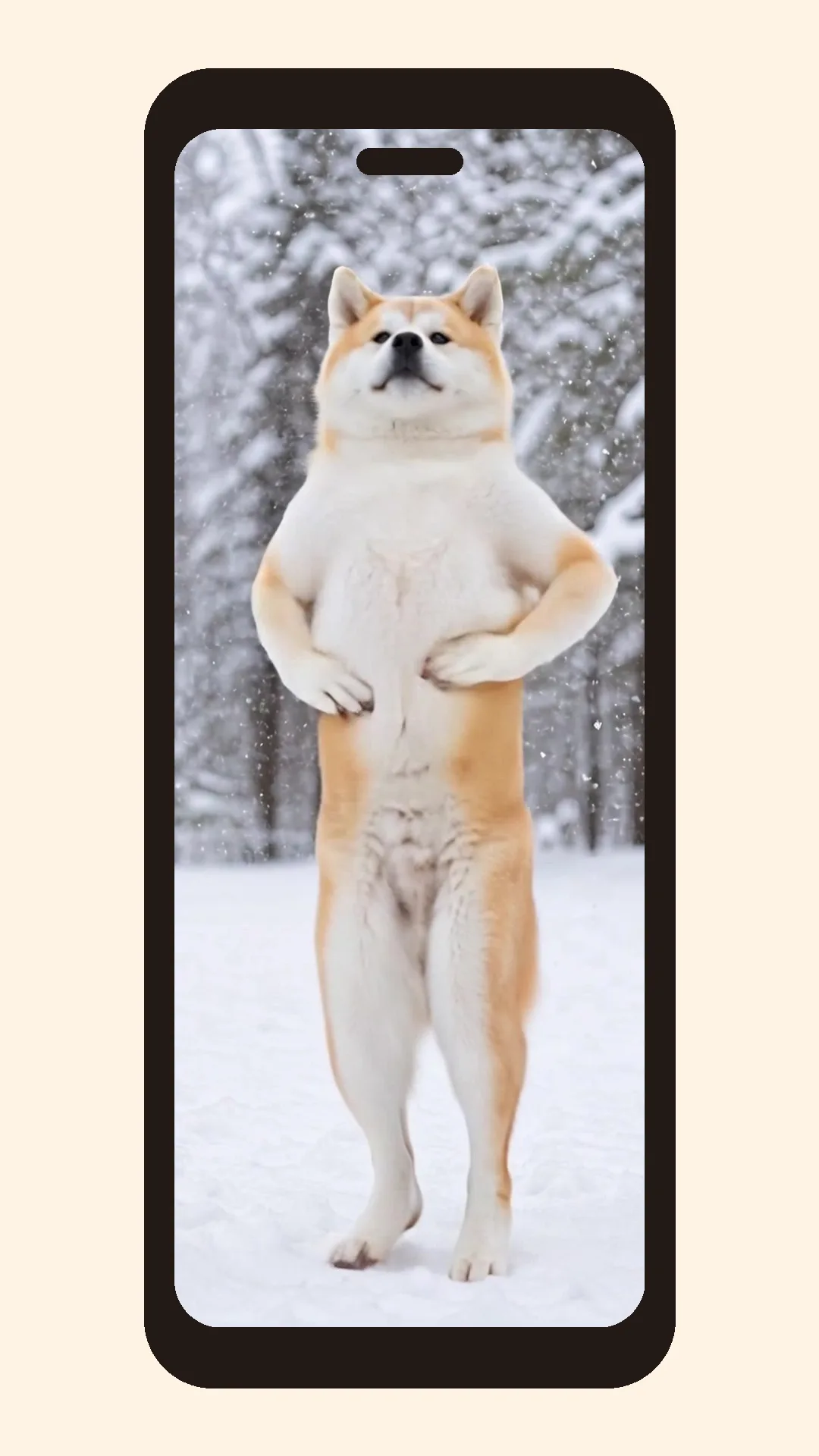
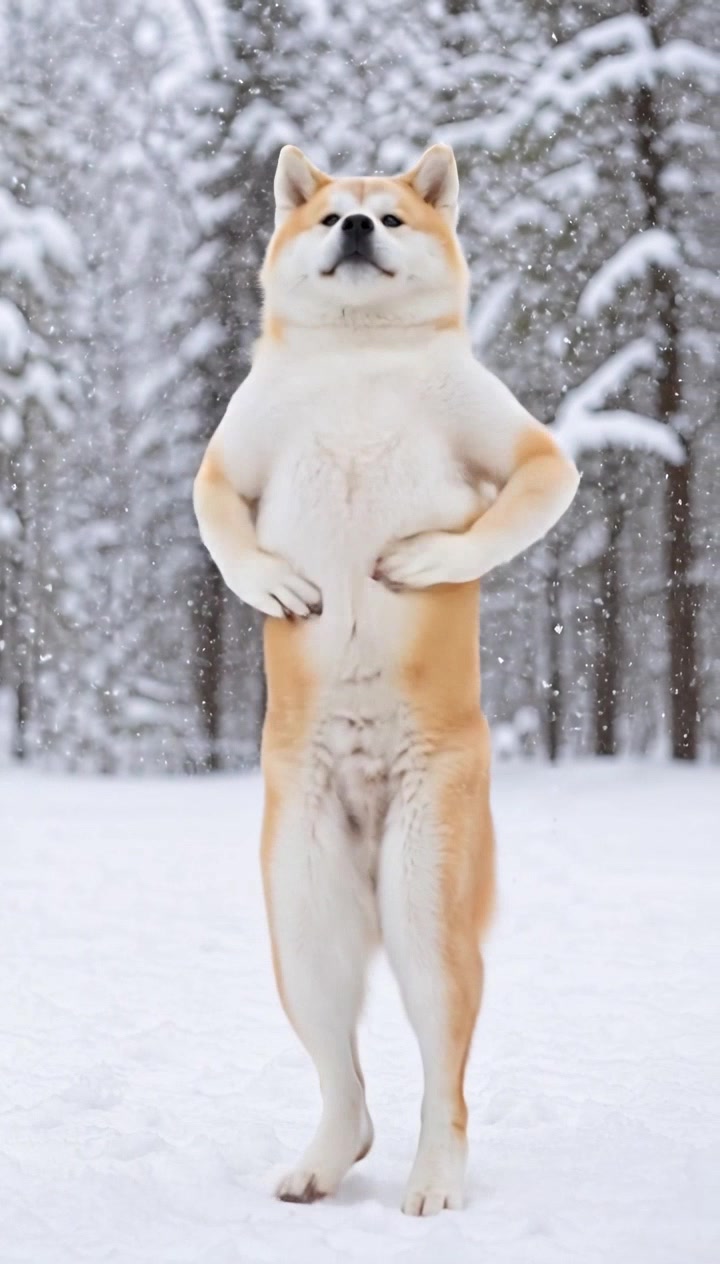
- [Single Ladies](/dance/single-ladies-dog-dance): sharp, confident 2000s choreography and the most popular starting point. It suits dogs that sit tall.
- [YMCA](/dance/ymca-dog-dance): classic 1970s arm-letter moves that read well on most breeds, flat-faced included.
- [Ophelia](/dance/ophelia-dog-dance): smoother, softer pacing for calm sitters.
- [Last Call for Love](/dance/last-call-for-love-dog-dance): a gentle tempo with dramatic flair, a thoughtful pick for senior dogs or tribute videos.
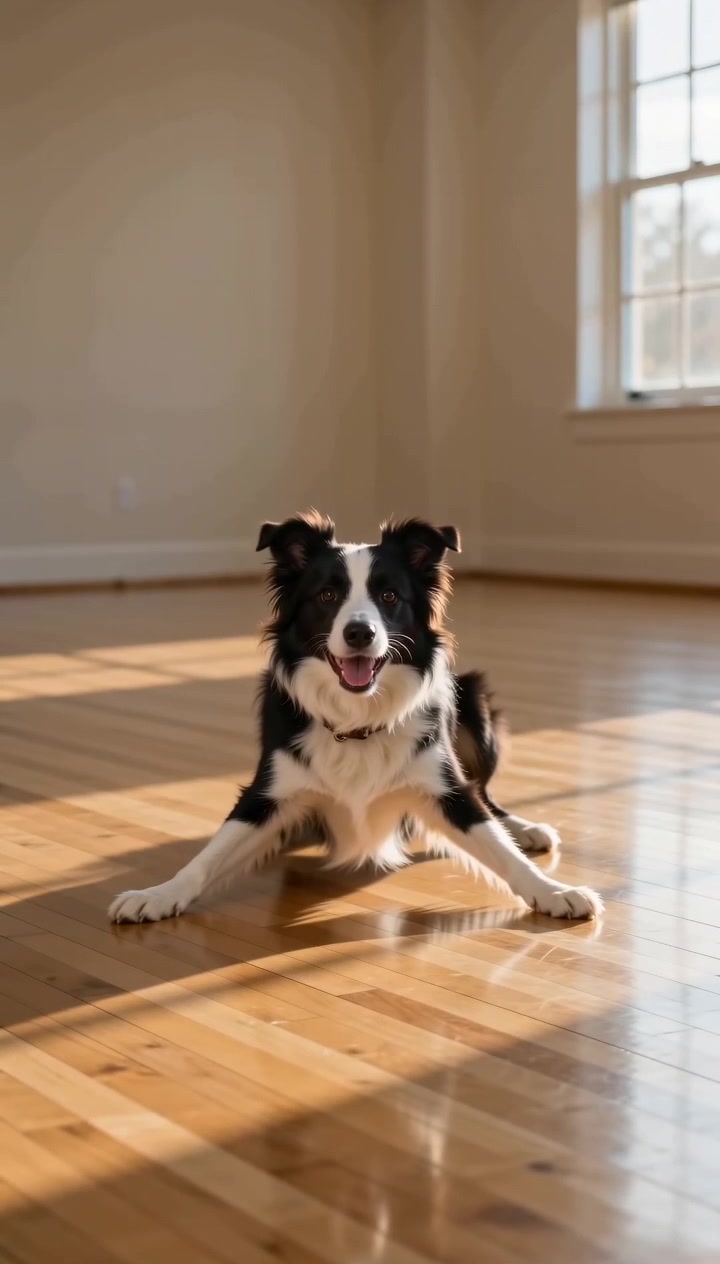
- [Breakdance](/dance/breakdance-dog-dance): toprock, a back spin and a pop back up. It is the most acrobatic option, so it is also where artifacts are most noticeable.
You can see all 10+ on the dance templates page. Every template shows its preview, specs and credit cost before you commit.
Step 3: Sign in and check the cost
A template video costs 20 credits and a custom dance video costs 30 credits. Every video is 720p and can be downloaded. Your first purchase can be the $2.99 Taste Test, which covers one template video. Packs are one-time purchases with no subscription. The full breakdown is on the pricing page.
The exact duration, format and credit cost are shown again before every generation, and you are only charged when you confirm, not when you upload.
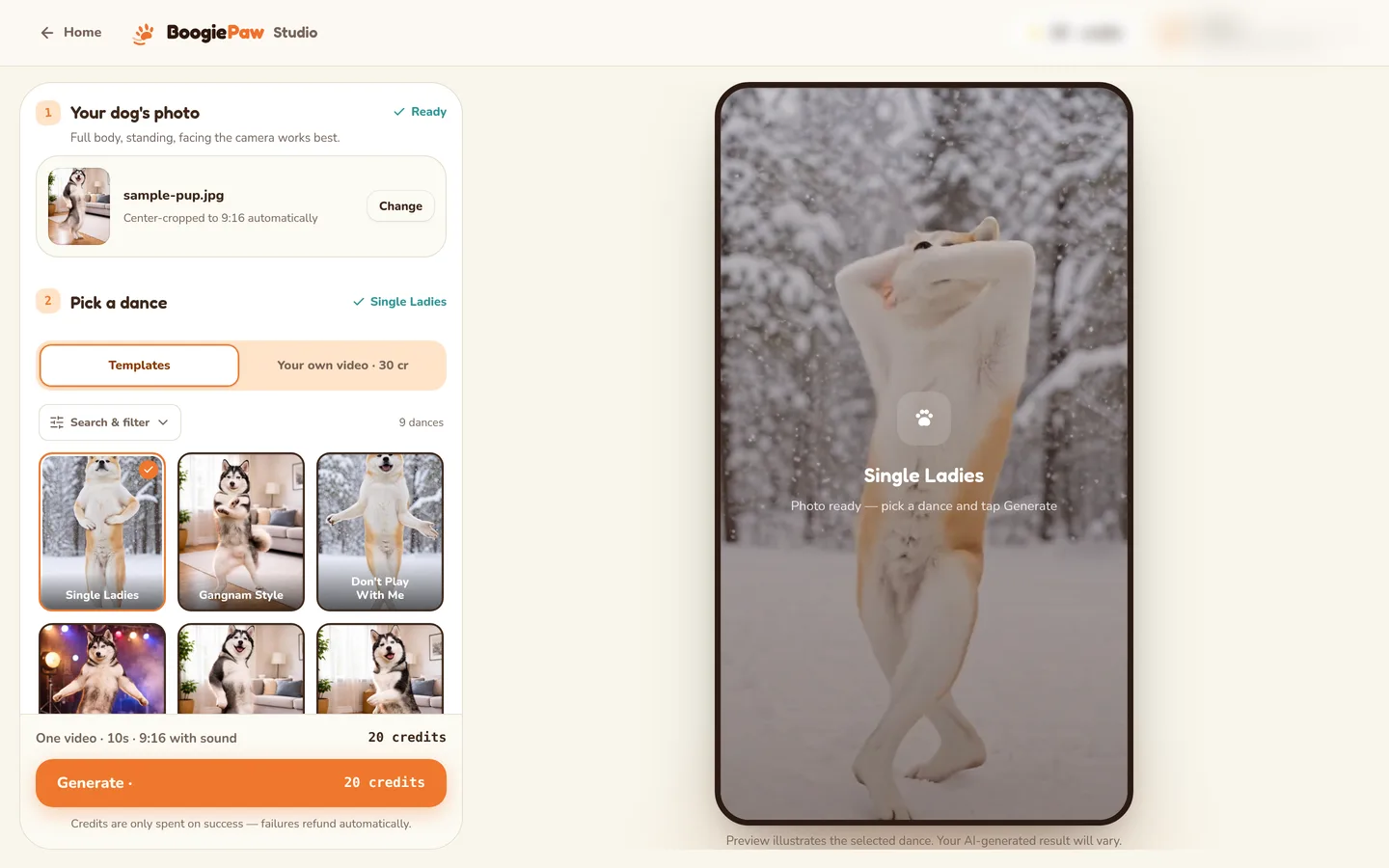
Step 4: Generate and wait
After you confirm, most template videos finish in about 3–5 minutes. While it runs you'll see a plain-language queue status rather than a progress bar. If a technical failure on BoogiePaw's side means no video is delivered, the reserved credits go back to your balance automatically. You don't need to open a support ticket.
Step 5: Review the result honestly
When the clip arrives, watch it a couple of times. Check whether the face and markings still look like your dog, whether the moves line up with the beat, and whether there are any odd moments such as a blurry paw or a strange frame during a turn.
Why a result can come out wrong
Most disappointing results trace back to a handful of causes:
- The photo hid the legs. If the front legs were tucked under the body, cropped off or covered, the AI has to guess, and guesses show.
- More than one subject. A second dog, a cat or a person in the frame can confuse which body should dance.
- Harsh lighting. Deep shadows can blend into the fur and distort the outline.
- A pose that doesn't stand up well. A lying-down or mid-jump shot is hard to turn into an upright dance.
- A template mismatch. A very leg-heavy routine on a short-legged dog, or a face-heavy one on a flat-faced breed, is more likely to look off.
- Ordinary AI limits. Even with a great photo, generated motion can include artifacts or imperfect timing. Fast moves like spins are where you'll notice it most.
If a result disappoints, change one thing at a time. Try a better photo first, then a calmer template.
Step 6: Post it well
The clip is already vertical, so it is ready for short-video platforms. A few tips that tend to help:
- Lead with the dance. Short-video viewers decide fast, so don't trim the opening.
- Say it is AI. A short note such as "AI-generated from one photo" keeps things honest, and many viewers are curious how it was made.
- Add sound on the platform. If you want music, use the platform's licensed sound library when posting, and check each platform's music rules before using a clip in ads.
- Make a series. Doing the same dog in two or three different templates makes an easy, comparable set of posts.
Your videos are yours to post on TikTok, Instagram Reels, YouTube Shorts or anywhere else. Downloading unlocks after you buy any credit pack.
FAQ
Can I create a dancing video of my dog for free? BoogiePaw does not make free videos, but the cheapest way to try it is the $2.99 Taste Test: one 720p template video, available on your first purchase. Some other tools offer free daily or renewable credits with limits, so compare their current pricing.
What is the dance called that people make AI dogs and cats do? There isn't one single dance. Several different trends have used AI pets, and a few of them are well documented: - Subject 3 ("Kemusan", 科目三): a dance that went viral in China around 2023, which AI photo-animation apps applied to animals, people and objects (Toolify). - The Dancing AI Golden Retriever Dog: a TikTok meme from November 2025 in which a golden retriever was mapped onto a human dancer to the "I Left My Home" military cadence (Know Your Meme). - The Single Ladies pet trend: AI videos placing a pet in the middle of a Single Ladies dance trio, reported in autumn 2026 (MakeViral).
If you've seen a specific clip, the dance usually depends on which template or trend the creator used.
Does it work on all dog breeds? Yes, but quality depends on how well the template fits the breed. Leg-heavy templates suit longer-legged dogs, and flat-faced breeds do better on templates that don't rely on facial animation.
Do I need prompts or editing skills? No. On BoogiePaw there is no free-text prompt and no timeline editor, just a photo and a template.
Is my dog's photo published anywhere? No. Uploads are not published in a public gallery, and you can request deletion through Privacy & data in the account menu.
Ready to try? Make your dog dance starting with a $2.99 Taste Test.
 Single Ladies
 Gangnam Style
 K-Pop
 Breakdance